|
To create an intake clone of an existing record:
- Click the [New Intake] action button on the Case Detail tab.
- Note: Multiple Intakes can only be added to cases with an Active status, not to Applicants.
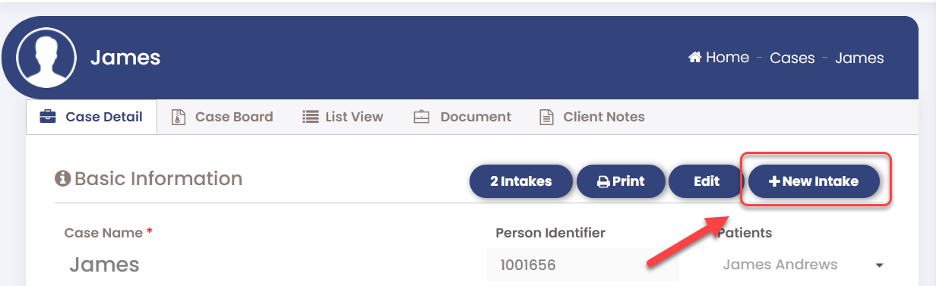
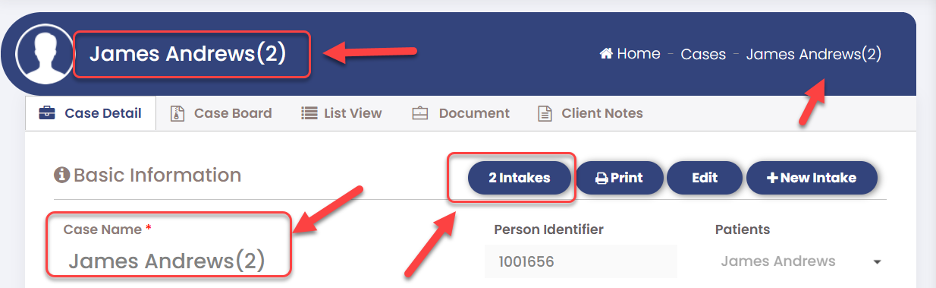
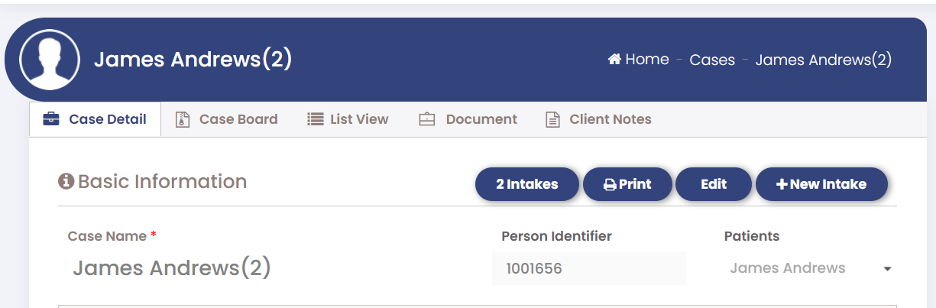
- This action will duplicate the existing Intake form and add a numerical sequence as a suffix for distinction. The most recent Intake form is always displayed by default, and you can create as many duplicates as needed. Clicking the "Intakes Count" button will show the total number of duplicate Intake forms created so far.
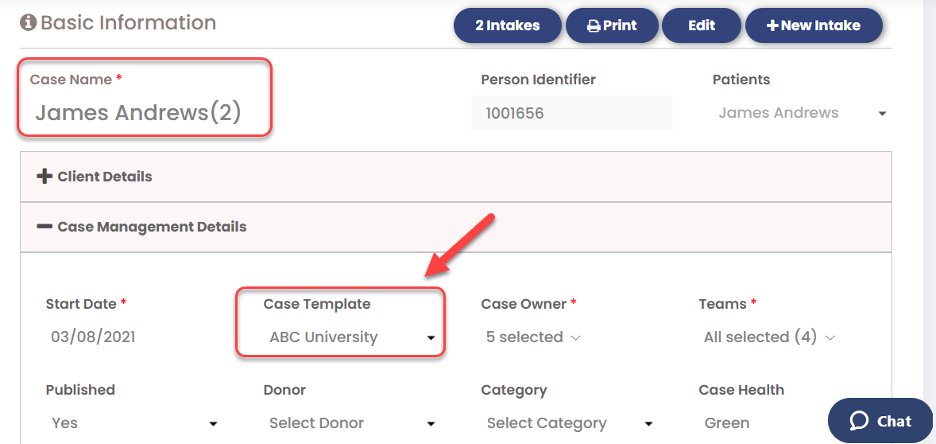
- In the Client Management Details panel, users have the option to change the Case Template for a new copy if necessary. By default, it displays the template used in the parent Intake form. It's important to note that updating the Case Template will cause the activities on the Case board to be displayed based on the selected Case Template, but it will not affect the parent Case.
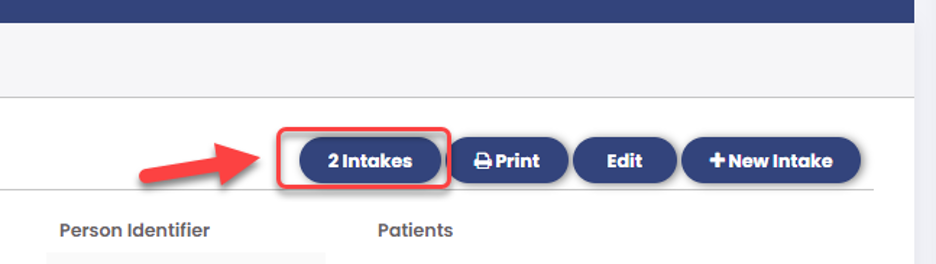
- Click on the [Intake Count] button to view the history of multiple Intakes.
- On the cases popup, select the respective Case name link.
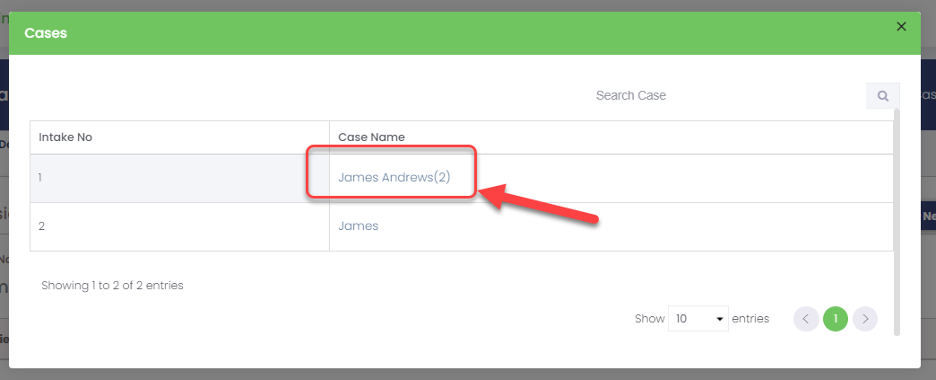
- "Clicking this will take you to the Case Detail screen for the selected Case Name."
 v v
|
