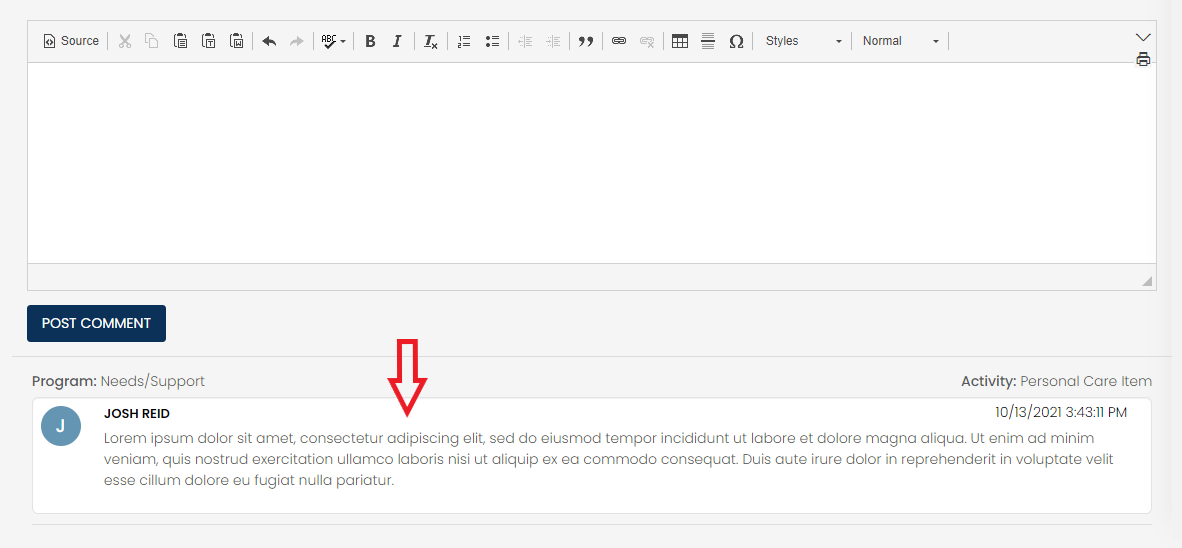
The Client Notes section on Case Grid allows a user to add a note to an individual case or a group of cases. Navigate to the Cases > Click on the "Client Notes" tab at the top.
Click the "Post Comment" button first to expand the note entry area. Once you have entered your note you can choose where you want to post it on the right.
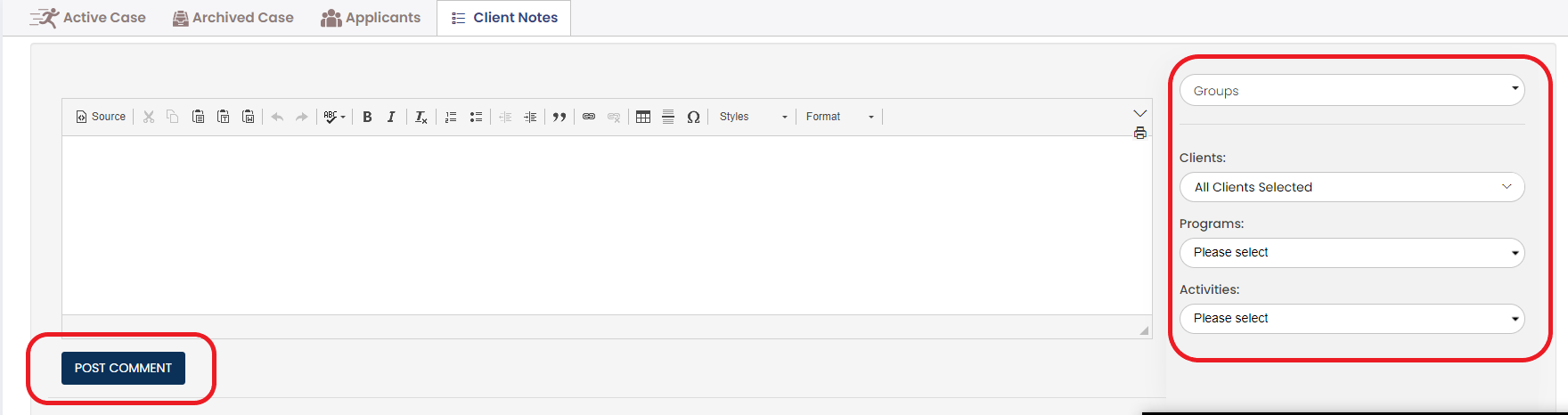
Groups - You can choose an existing group of clients to apply the note to or you can create a new one.
Clients- Choose the client(s) to whom you want the note to be applied.
Program - Pick the Program that contains the activity that you want the note to apply to
Activity - Pick the activity to that you want the note applied.
Once you post the note it will show on the screen.